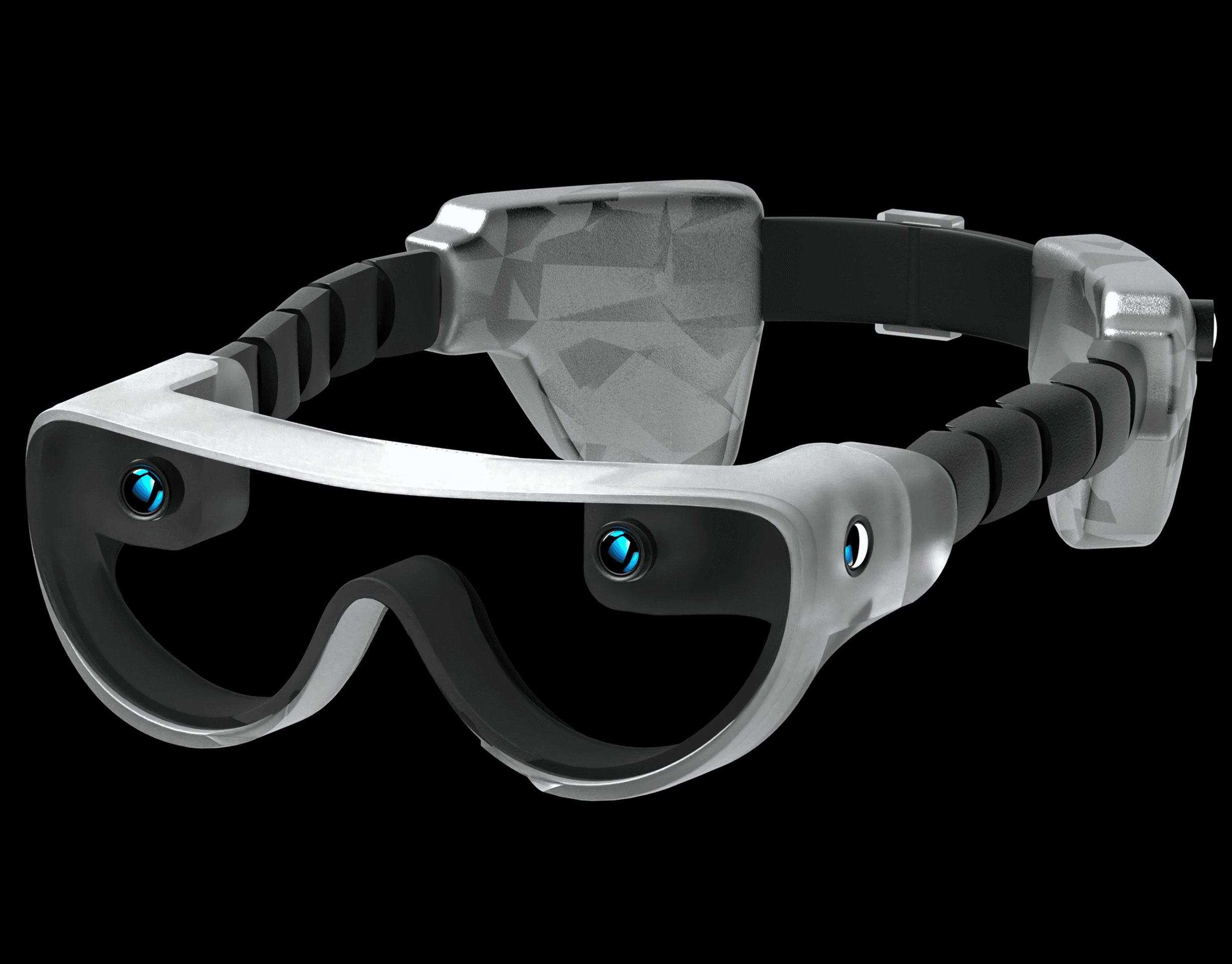
NODE
Focus : System Design / UIUX Design
Duration : 5 Weeks
Tool : Figma, Python, Javascript
There are two stages in a presentation or critique.
Presentation stage
Feedback stage
In physical spaces, these stages coexist and overlap naturally. In video-conference environments such as Zoom, this structure collapses.
Reflection remains invisible
Feedback becomes delayed or disappears
Presentations turn one-directional
This project addresses what is missing between reflection and feedback in remote presentations
To explore possible solutions, I prototyped the system from multiple angles. Our team developed web-based tools using JavaScript and Python to test real-time feedback during live presentations, and conducted surveys to better understand audience behavior in remote settings. Based on these findings, we created interface concepts in Figma to examine how feedback could be visualized without interrupting the presentation.
Introduce NODE
— Design Points
Using gestures to rapidly capture ideas during presentation
Time for audience to absorb and recall presentation
Organizing & saving critique for presenter
But Why Gesture?
“Gesture input helps users maintain primary task focus better than touch input, with about 20 percent faster responses in dual-task tests.”
User interface for in-vehicle systems with on-wheel finger spreading gestures and head-up displays
(Lee and Yoon 2021)
“Gesture-based interactions can reduce users’ mental and physical demand by using natural movement instead of complex button mappings, lowering cognitive strain and making interaction more intuitive and efficient.”
Human Computer Interaction Using Hand Gestures
(Prashan Premaratne and Malin Premaratne 2010)
“Hand gesture recognition aims to improve authentic, efficient, and effortless interaction without additional devices, enabling more natural communication between users and computers—especially valuable in contactless and accessible interfaces..”
An Exploration into Human–Computer Interaction: Hand Gesture Recognition
(Victor Chang 2023)
“Gestural input makes computing feel more natural because it mimics the way humans communicate non-verbally, supporting intuitive and human-like interaction with systems.”
Design Thinking for Gesture-based Human-Computer Interaction
(Kelvin Wambani Siovi 2019)
Presenter
What the presenter does
•
Conducts the presentation in the same way as a conventional critique or lecture, without managing feedback during the talk
•
After the presentation ends, is given a short reflection window of approximately 3–5 minutes to review an interface that aggregates audience gestures and written comments
•
Interprets patterns in audience reactions and prepares key topics for discussion in the subsequent feedback stage
What the presenter gains
•
An intuitive overview of the presentation's good and bad moments over time
•
By combining gesture data with contextual written comments, the system reveals the audience's immediate emotional responses and thought patterns throughout the presentation
•
Each presentation session is saved to the presenter's account, allowing them to revisit, analyze, and reflect on past presentations at any time
•
The presentation is no longer a one-time performance, but a persistent record that can be reviewed and improved over time
Audience
What the audience does
•
Participate without interrupting the presentation or speaking aloud
•
Their gestures are continuously captured using MediaPipe and stored on a server as part of the collective feedback stream
•
Can leave short, page-specific written comments through a real-time commenting feature during the presentation
•
Express thoughts as they occur, without disrupting the flow of the talk
What the audience gains
•
The ability to express opinions and reactions without verbal pressure or social exposure
•
By using gesture-based feedback, audience members remain actively engaged while maintaining focus on the presentation
•
Rather than choosing between listening and responding, the audience can do both simultaneously—supporting sustained attention and meaningful participation
Presenter UI : reflection stage / presentation history page


Audience UI : presentation stage / reflection stage


With gestures and comments NODE create one more stage
Presentation stage
Reflection stage
Feedback stage

Create your own communication experiece NODE !

Location
314 Benefit St.
Providence, RI
02903
2025 Jungsoo Lee